Delivering client galleries without the friction
A simple checklist for sending albums that guests can open on any phone, without accounts, invites, or crushed images.
- Written by
- Flickks
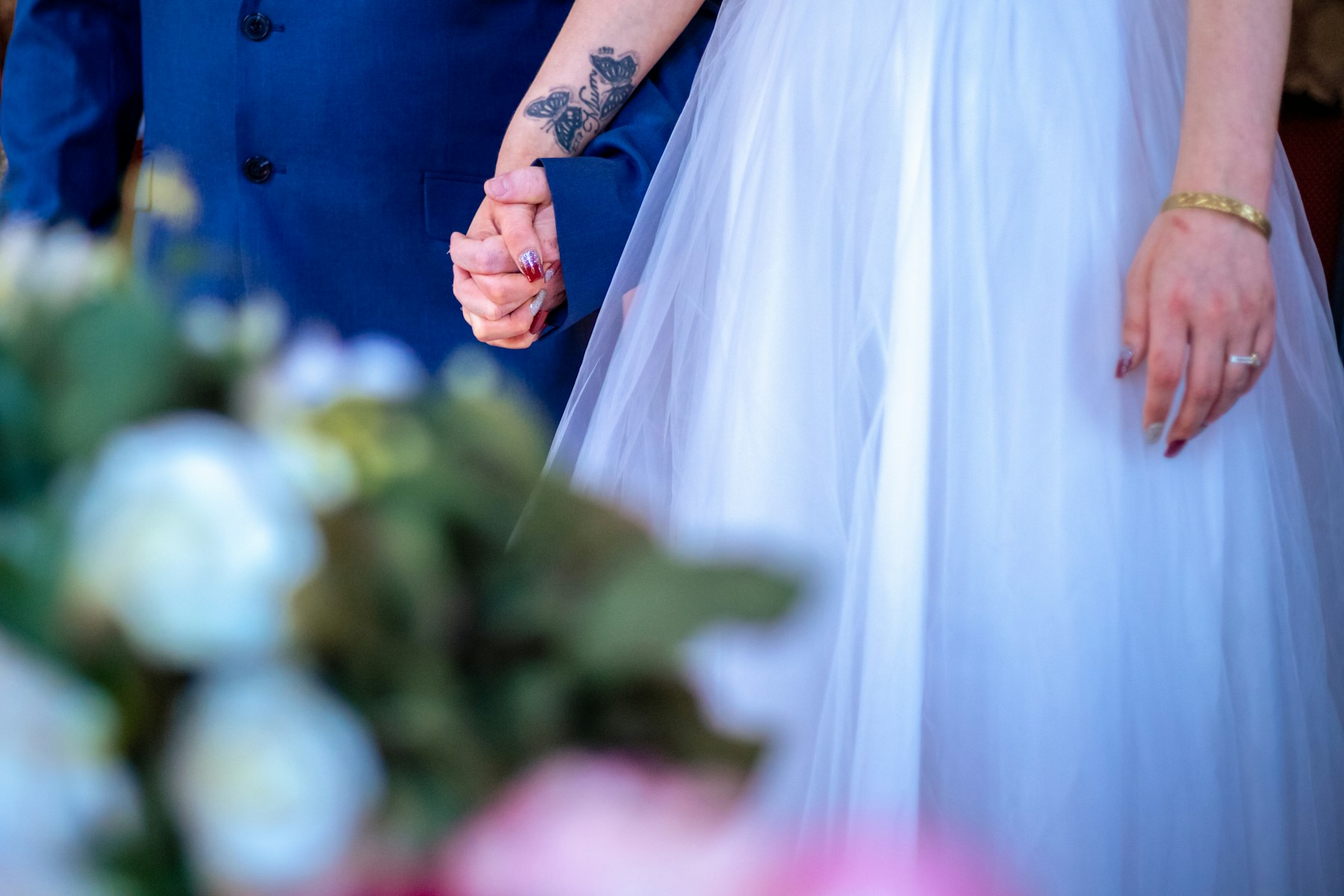
The best gallery delivery is almost invisible. Clients open a link, the photos look like your edits, and nobody asks for a password reset.
Here is the checklist we use when thinking about albums on Flickks.
Start with the share link
Send one link that works on phones first. If someone needs an account, an app install, or a desktop-only viewer, a portion of the guest list will bounce.
Password protection is fine when the work is private. Make the password short and easy to dictate over text.
Keep the images honest
Heavy compression saves bandwidth and costs quality. Clients notice when skin tones flatten and blacks go muddy, even if they cannot name the cause.
Deliver a gallery that preserves the look you spent hours grading. Full-resolution downloads can sit behind a plan or a separate package; the browsing experience should still feel premium.
Make selects easy
If the next step is print orders, a second edit, or a blog post, give clients a clear way to mark favorites. The fewer tools in the loop, the faster they respond.
Close the loop
When the album is ready, say so in plain language: where the link is, how long it stays up, and what happens if they need more time. Clarity beats a long feature tour.
Flickks albums are built around that path: publish, share, and let the photographs do the talking.